
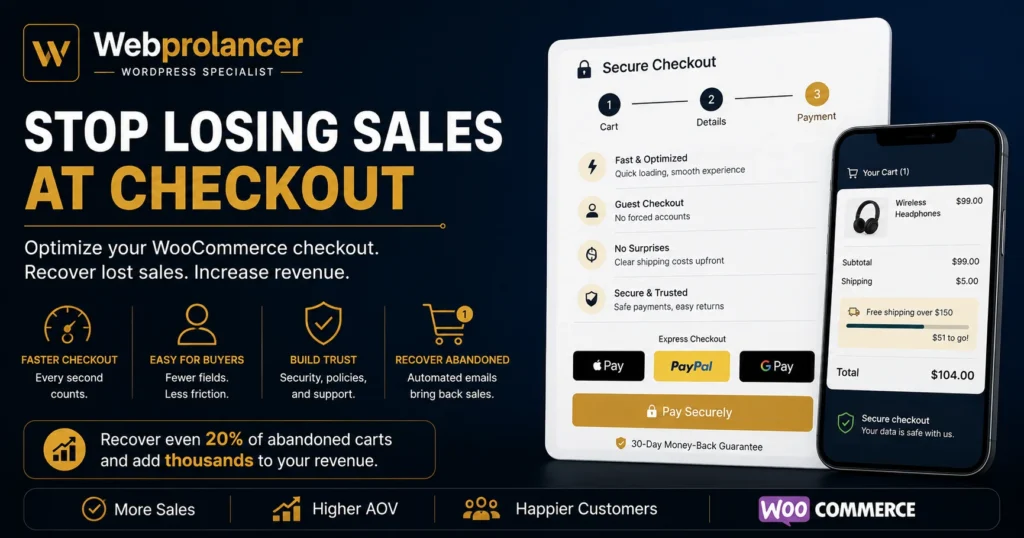
Somewhere right now, a customer has your product in their cart. They want it. They clicked “checkout”. And in the next ninety seconds, there is a very good chance you will lose them.
That is not pessimism, it is data. The Baymard Institute has tracked cart abandonment for years, and the average sits around 70%. Seven out of ten filled carts never become orders. Here is the part most store owners miss: the problem is usually not your product, your price, or your traffic. It is the checkout itself.
The upside is real money. If your store does 10,000 dollars a month and you recover even a fifth of your abandoned carts, that is thousands per month you were already earning and then losing. WooCommerce checkout optimization is the highest-return work most stores can do, because you are not chasing new visitors. You are keeping the buyers you already convinced. This is a big part of my WooCommerce work, so let me walk you through the journey your customer takes, and where it leaks.
Step 1: They click “checkout” and wait
The first leak is the most boring one: speed. Your customer just made an emotional decision to buy. Every second of loading between that decision and the payment screen gives the doubt time to grow. On mobile, where most shopping happens now, a slow checkout is deadly.
The fix is the same discipline as the rest of the site: compressed images, proper caching, and a checkout page that does not carry the weight of sliders and scripts it does not need. Checkout pages often load slower than the homepage because nobody ever optimizes them. Optimize this page first, not last. If the whole site drags, that is a speed problem worth fixing before anything else.
Step 2: They are told to create an account
Forced account creation is one of the biggest single killers of WooCommerce sales. Your customer wants to buy a product, not start a relationship. Asking them to invent a password before paying is where a huge share of carts die.
The fix takes minutes: enable guest checkout (WooCommerce settings, one checkbox), and offer account creation after the purchase instead. They already gave you their email with the order. “Want to save your details for next time?” converts far better as a question after the sale than a wall before it.
Step 3: They meet your form
Now they are on the checkout form, and it asks for a company name, a second address line, a fax number field someone forgot to remove, and their life story. Every unnecessary field is friction, and friction is measurable: long checkouts abandon more.
Walk through your own checkout tonight and ask about every single field: do I actually need this to fulfil the order? For most stores selling physical goods, you need a name, an address, an email and payment. That is it. For digital products, even less. Cut the rest, and your form goes from a chore to a formality.
Step 4: Surprise costs appear
This is the number one reason buyers give for abandoning carts in nearly every study: unexpected shipping costs at the last step. The customer budgeted mentally for your product price. When 8 dollars of shipping appears one click before payment, it feels like a trick, and they punish it by leaving.
You do not have to make shipping free. You have to make it honest and early. Show shipping costs on the cart page, not just at checkout. If you can, bake it into the product price and call shipping free, because “free shipping” converts so well that it usually beats a slightly lower product price. And if you offer a free-shipping threshold (“free over 50 dollars”), show a progress bar. It raises average order values reliably.
Step 5: They look for their payment method
The customer trusts you enough to pay, but they want to pay their way. Card only? You lose the PayPal loyalists. No wallet options? On mobile, typing sixteen digits is enough friction to quit.
Offer the big three at minimum: cards via Stripe, PayPal, and the express wallets (Apple Pay and Google Pay) that let mobile buyers pay with a thumbprint. Express checkout buttons on the cart page can move the sale in one tap.
Step 6: They hesitate, and nothing reassures them
Right before paying, buyers look for reasons to trust you. A bare checkout page with no security signals, no return policy, and no contact info makes people quietly close the tab, especially first-time customers.
Small touches do a lot of work here: a padlock and “secure checkout” wording near the pay button, a one-line returns promise, and a visible way to reach a human. None of this is design decoration. It is answering the silent question “what if this goes wrong?” at the exact moment it is being asked.
Step 7: They leave anyway, and you say nothing
Even a good checkout loses people. Life interrupts. The difference between stores that grow and stores that plateau is what happens next. Most WooCommerce stores do nothing. The cart just dies.
Set up abandoned cart recovery emails: a reminder after an hour, a follow-up the next day, maybe a small incentive after that. Recovery emails routinely bring back a meaningful slice of lost orders, and they run on autopilot once configured. If you use a CRM like GoHighLevel, the follow-up can even go beyond email.
Common questions
What is a good cart abandonment rate for WooCommerce?
The average is around 70%, so do not panic at a high number. Getting meaningfully below average through checkout fixes is where the extra revenue lives.
Does guest checkout really increase sales?
Yes, consistently. Forced account creation is one of the most common reasons buyers abandon. Offer accounts after the purchase instead.
Should I use a one-page checkout plugin?
Sometimes. A clean, fast standard checkout with fewer fields often beats a heavy one-page plugin that slows the page down. Fix the basics first, then test.
Can you optimize my existing WooCommerce checkout?
Yes. I audit live stores, find where the sales are leaking, and fix checkout, speed and payment issues without rebuilding the store.
The honest bottom line
Your checkout is not a formality at the end of your store. It is the moment every marketing dollar you spent either pays off or evaporates. Walk through it yourself tonight, on your phone, like a stranger. Count the seconds, the fields, and the surprises. Each one you remove is money you stop leaving on the table.
Want a second pair of eyes on it? Tell me about your store and I will tell you honestly where your checkout is leaking and what it will take to fix.